Buy Nearby
Search real listings from local sellers and stores, then connect directly.

CADAII is a local social marketplace where buyers discover nearby products and services, sellers post ads, and anyone can create a free online store—no physical storefront or programming experience required.

CADAII brings local buying, selling, store building and community interaction together in one place.
Search real listings from local sellers and stores, then connect directly.
Post products or services with useful details, images and a local location.
Create a polished store website even if you do not have a physical store.
Follow stores, share updates, save finds, chat and manage shopping requests.
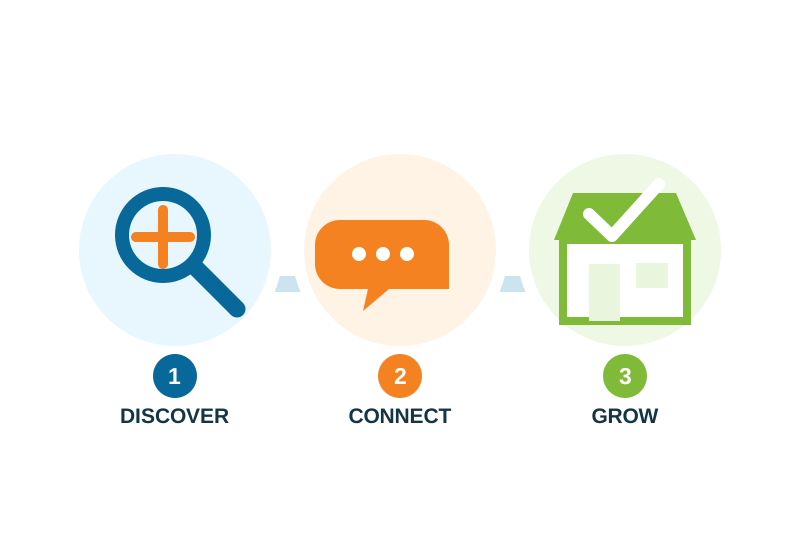
Search nearby products, services, categories and stores.
Open a listing, follow a store, send a message or make a shopping request.
Coordinate locally, post your own ad, or build a store presence people can revisit.
No physical store, business location, or programming knowledge needed.
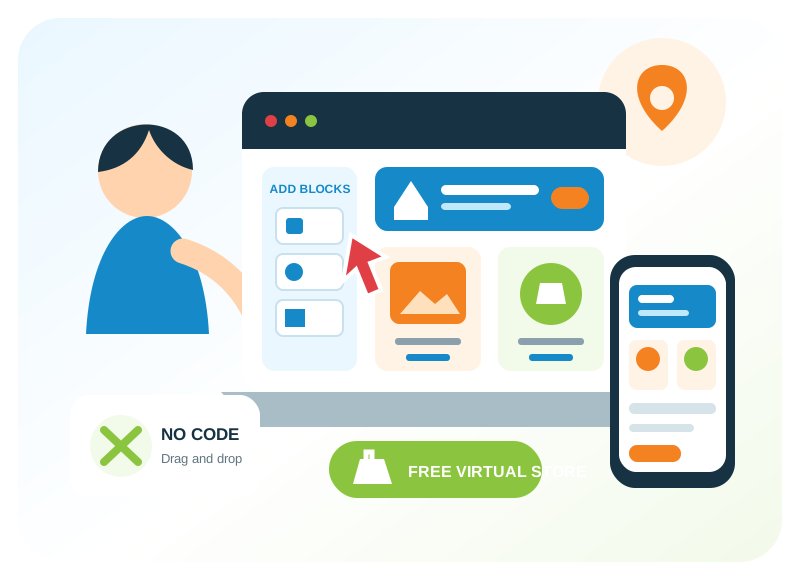
You do not need a physical store to sell on CADAII. Create a free online store website, add your items, customize your page with easy drag-and-drop tools, and start selling locally.
From one item to everything you sell — your virtual store starts free on CADAII.
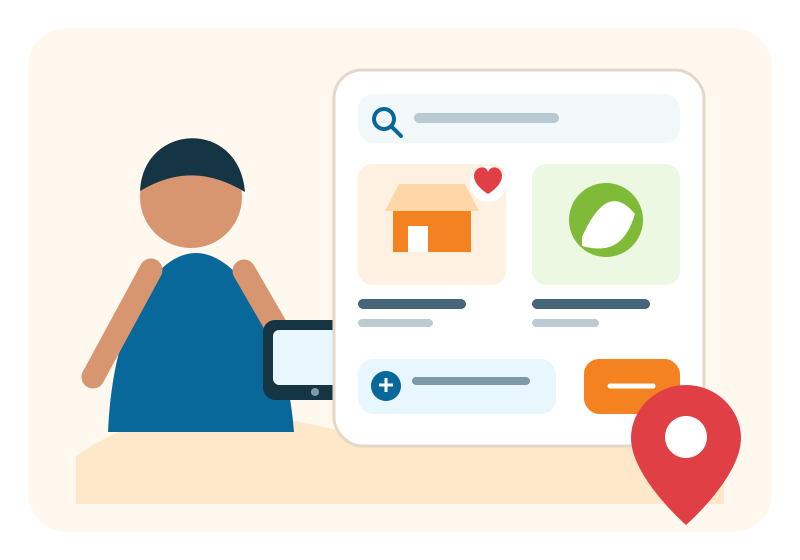
Find nearby products and services, browse by category, save promising listings, follow stores and contact sellers from one local marketplace.
Post ads, organize them through your store, build a recognizable brand and stay connected with people who follow your updates.
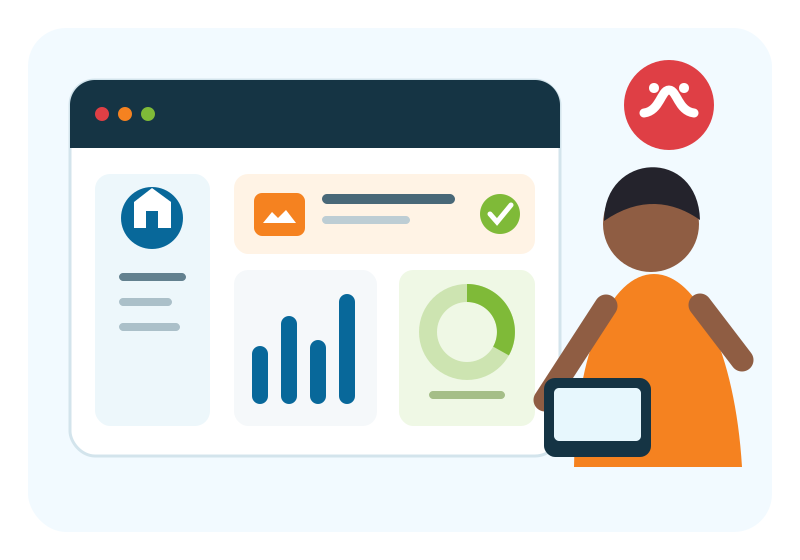
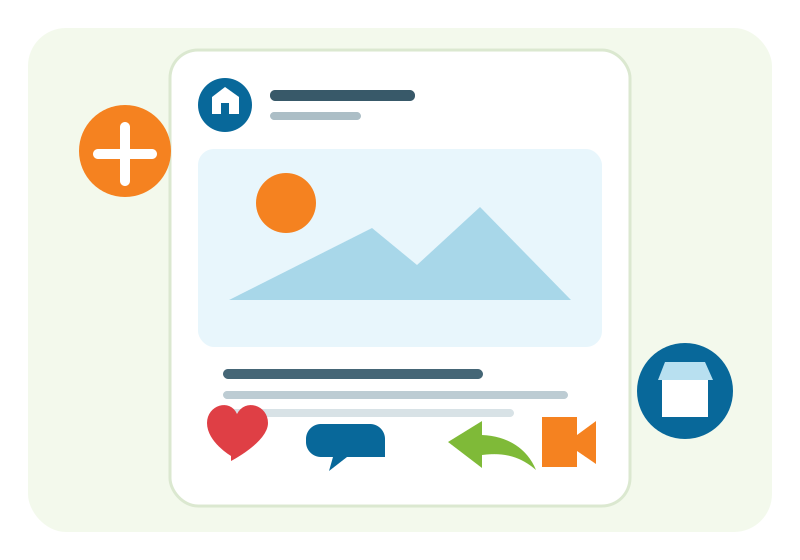
Follow stores and keep up with their posts and newly listed items. Store owners can publish updates, while the community can like, comment, save and share.
Ask a seller a question, discuss an item and keep local purchase details together. Shopping requests help buyers and sellers track the conversation and its status without implying an automatic online payment.
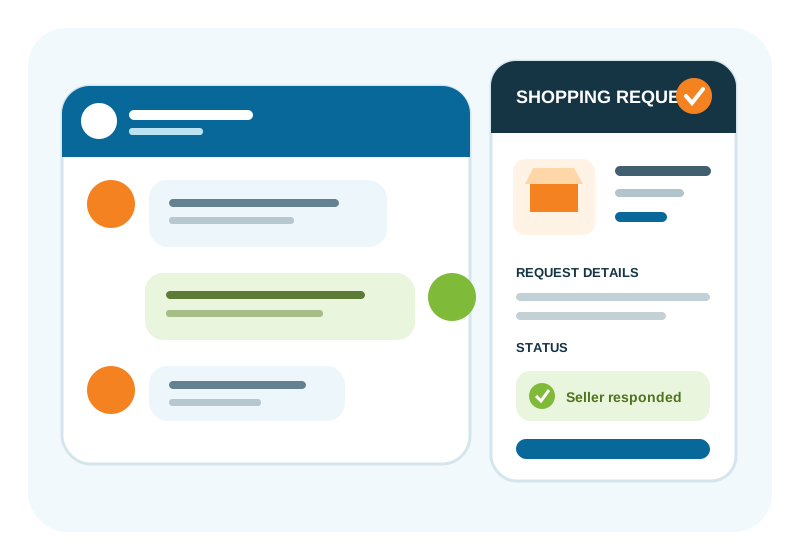
For local buying and selling, the cart helps everyone stay organized.
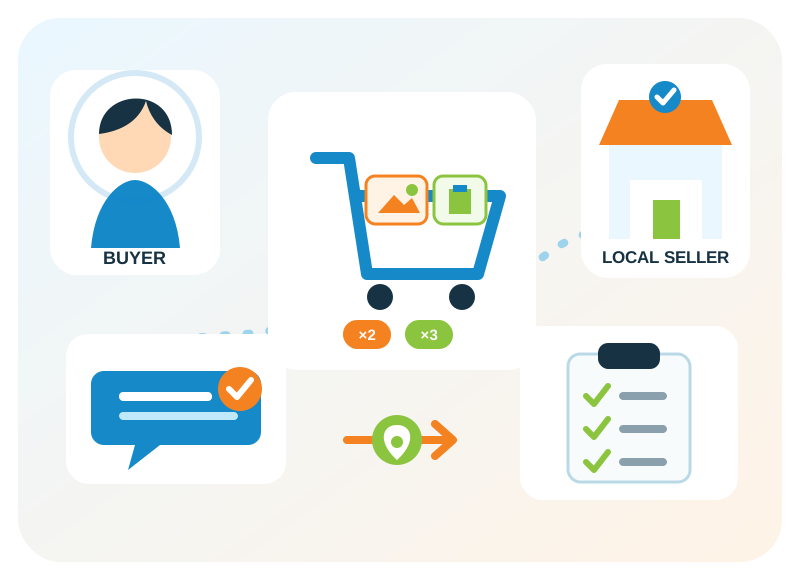
Buyers can add multiple items, choose quantities, and send one clear request, even when items come from different sellers.
Sellers and store owners can review requests from Orders Received and update the buyer. Buyers can follow each step from Orders I Placed.
Add one item or many items from local sellers.
Request the amount you need before sending.
Sellers receive a clear list of your requested items.
Buyers and sellers can follow the order/request progress.
CADAII helps organize the request. Pickup, payment, and final arrangements are handled between the buyer and seller.

Tamilini helps CADAII understand natural-language searches and can help sellers prepare clearer ad or store content where AI assistance is enabled. You remain in control of what is searched, reviewed and published.
Try a Marketplace SearchCreate a business card tied to your CADAII identity or store, add contact details, choose a design and use a QR code to help people reach your online presence.
Open Business Card Maker
Find local listings, stores, and sellers by country, province, state, and city.
Jump into active marketplace categories, then refine your search by location, subcategory and price.
Recently published products and services from CADAII sellers.
Discover active store pages, browse their listings and follow the businesses you want to hear from.



Explore nearby listings, publish an ad or launch a free online store—no physical storefront and no coding required.